Free download
Try receipt recognition before upgrading. The supplied build allows 5 scans on the first day and 2 per day afterwards. The installed app shows your remaining allowance.
Finance · iPhone and iPad
Receipt Snap Pro — Scan, organize, and export receipt information
View on the App Store ↗About the app
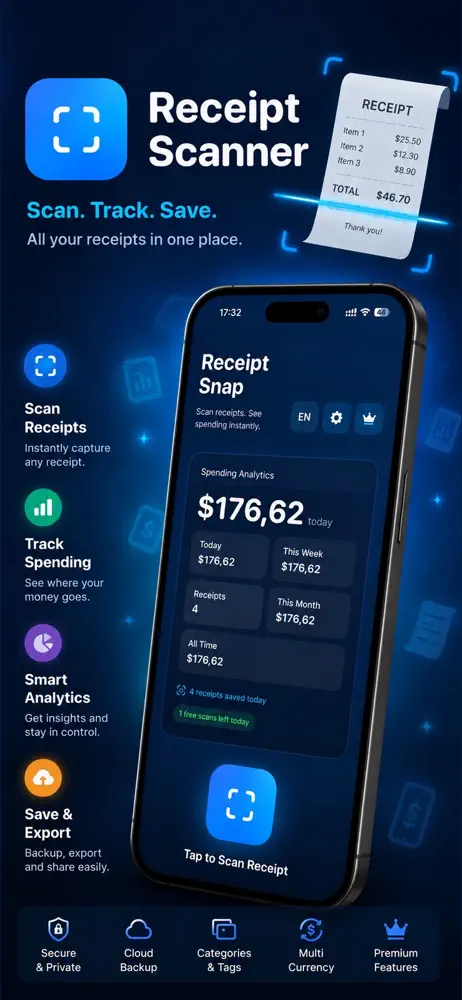
Receipt Snap Pro helps you capture receipts with your iPhone or iPad, keep the details organized, and export them when you need them. It suits personal budgets, small expenses, and reports.
✓10 MB
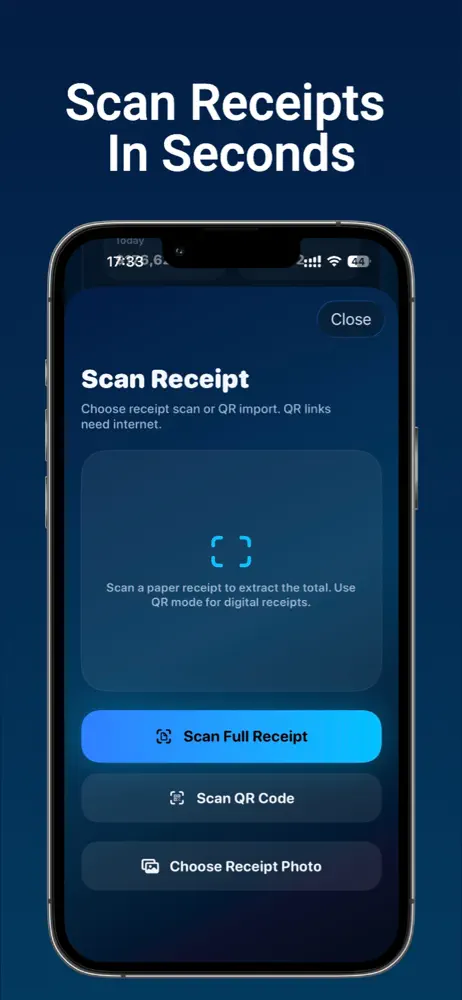
✓Smart receipt OCR
✓Data Not Collected
Start with one useful result
Inside the app
Price and access
Try receipt recognition before upgrading. The supplied build allows 5 scans on the first day and 2 per day afterwards. The installed app shows your remaining allowance.
Pro unlocks unlimited scans, spending analytics and exports. Monthly access renews unless canceled; Lifetime is a one-time unlock. Restore Purchases is available in the app.
Prices and availability can vary by region and version. The price shown by the store or in-app purchase screen is the price that applies to your purchase.
Check the official store ↗Designed for iPhone and iPad. Check the App Store compatibility section before installing; availability on an Apple silicon Mac does not mean a separate native Mac version.
OCR can misread faded ink, unusual layouts, dates and decimal separators. Review every financial field before reporting it. This is a record-keeping tool, not tax advice or a guarantee of reimbursement.
Choose the right approach
Written by the developer of this app. Choose according to your task; a built-in tool may be enough.
Keeps an image of the receipt; useful when you only need a visual record.
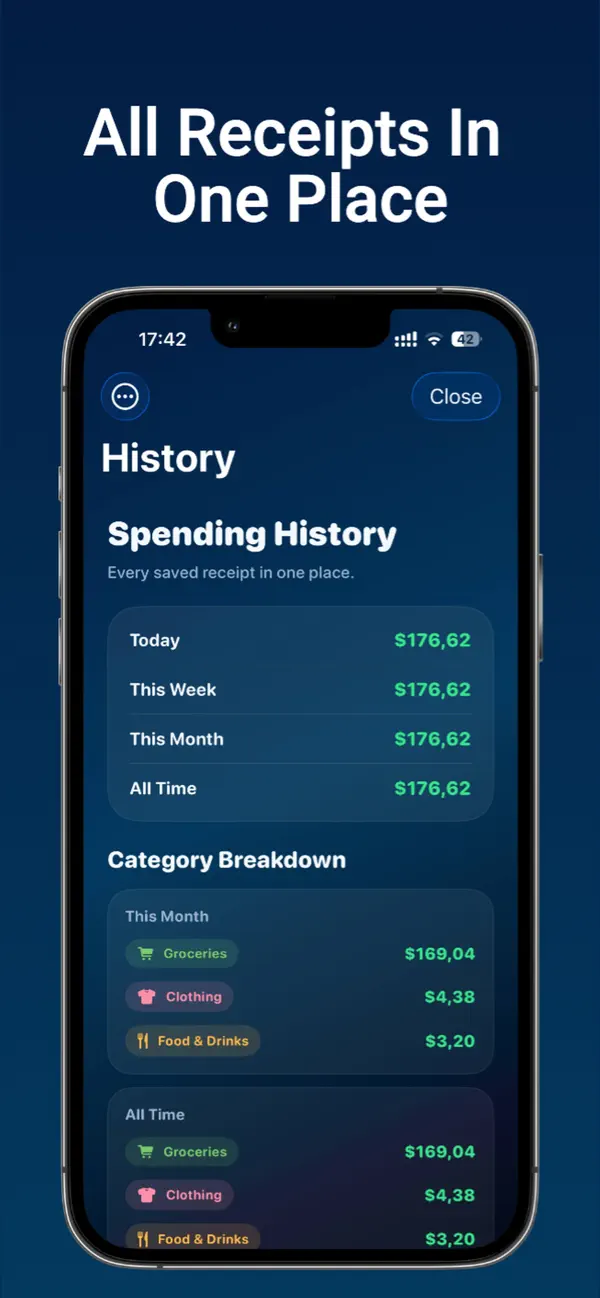
Adds recognized fields, categories, spending history and Pro exports.
Useful for custom calculations. CSV export gives you a starting point; check values and currencies before summing.
A fictional receipt from Example Coffee totals USD 12.50. Review the merchant, date and total, assign a category, then export the checked record. This is an illustration, not a customer case.
Questions & answers
Organize them as records and export the information for review or sharing.
Receipt Snap Pro exports CSV files and PDF reports. Export is included with Pro. Review OCR fields and currencies before using a report.
Both. It is designed to keep receipt records simple.
Ready to get started?
Scan a receipt, keep it organized, and export it when you need it.