PRIVATE
Adjustable blur
Change the strength and fine-tune the protected area.
Photo & Video · iPhone and iPad
Blur Personal Info — Protect sensitive details before sharing photos
View on the App Store ↗How it works
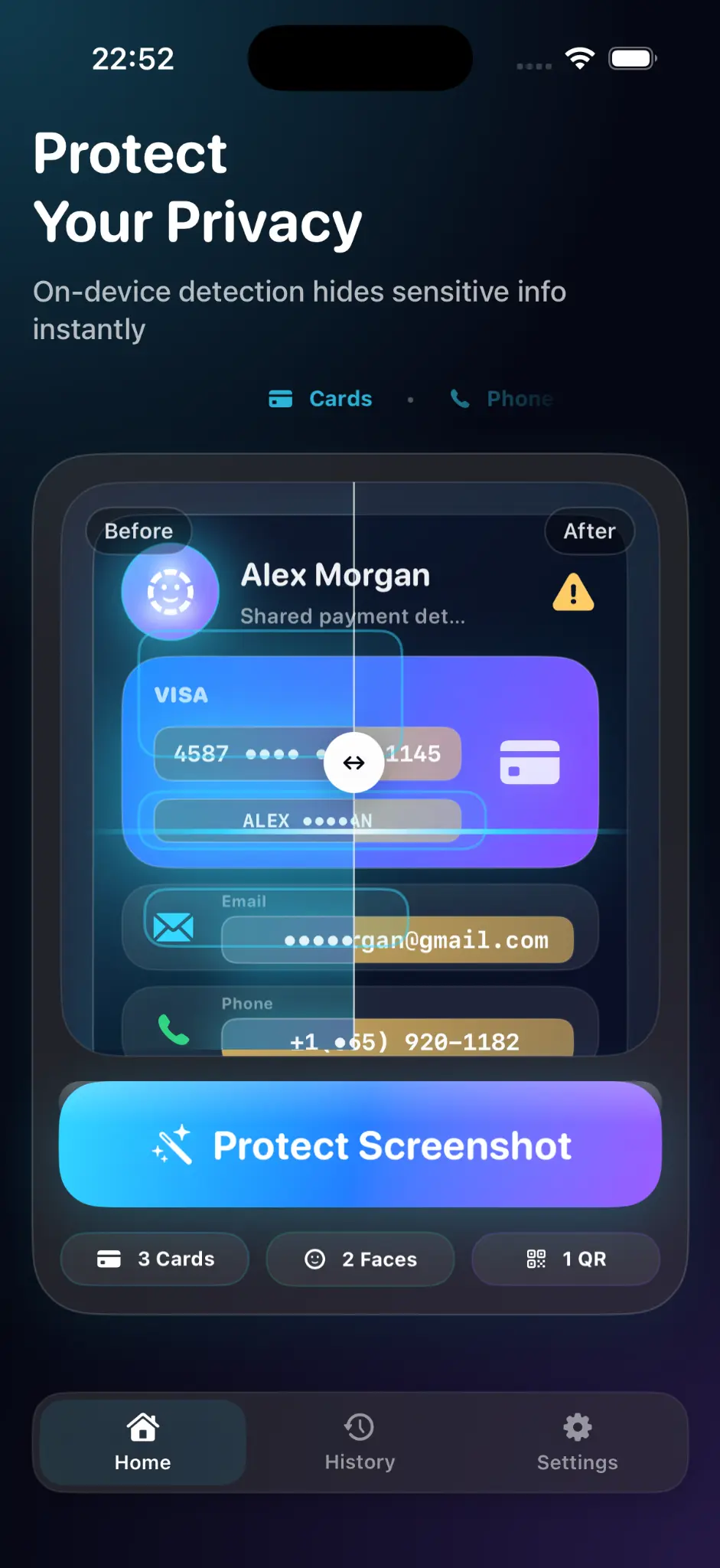
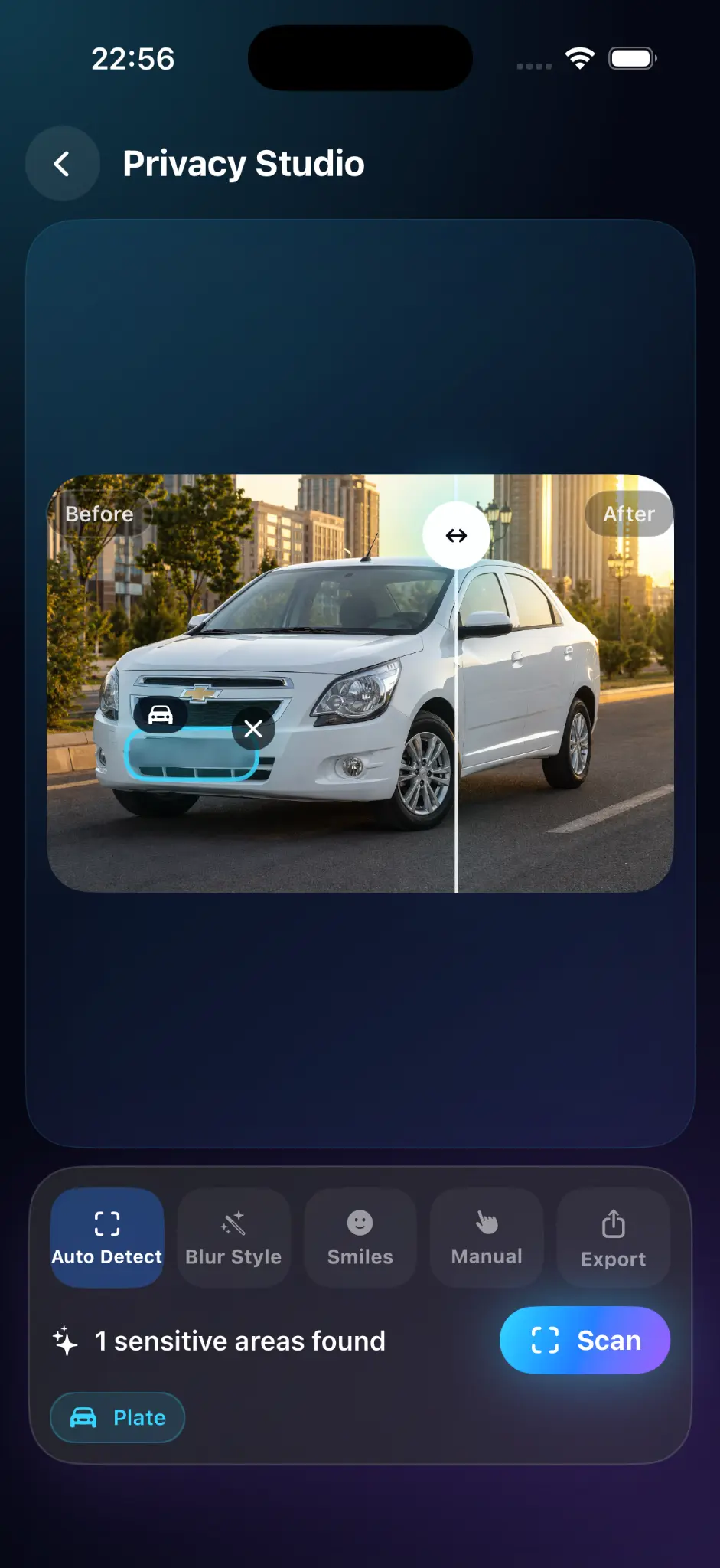
The app uses Apple's on-device vision technologies to look for common sensitive information. You stay in control: enable, move, resize, or remove any suggested mask.
Privacy by design
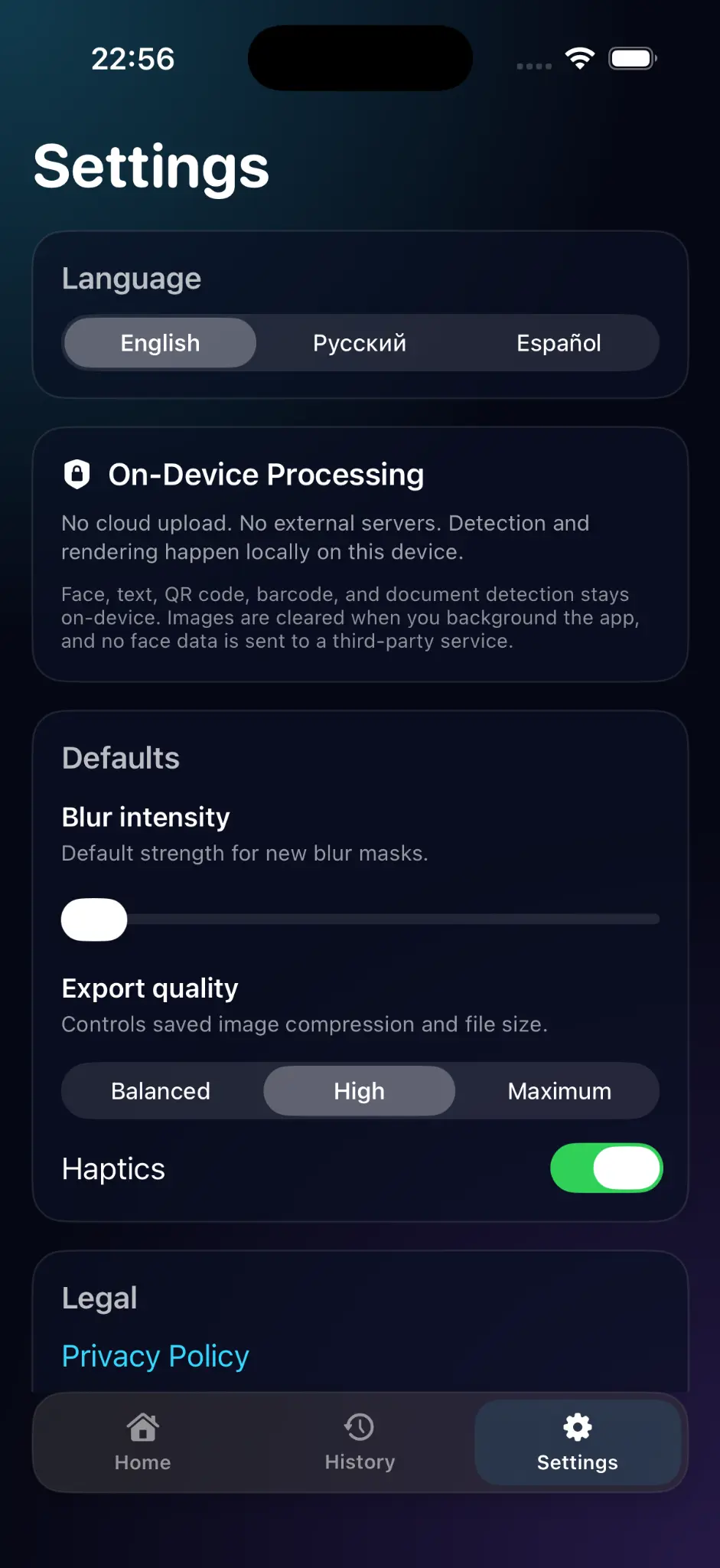
Detection and rendering are performed locally. The editing session is cleared when the app moves to the background, and face data is not sent to a third-party service.
Read the app privacy details →Inside the app
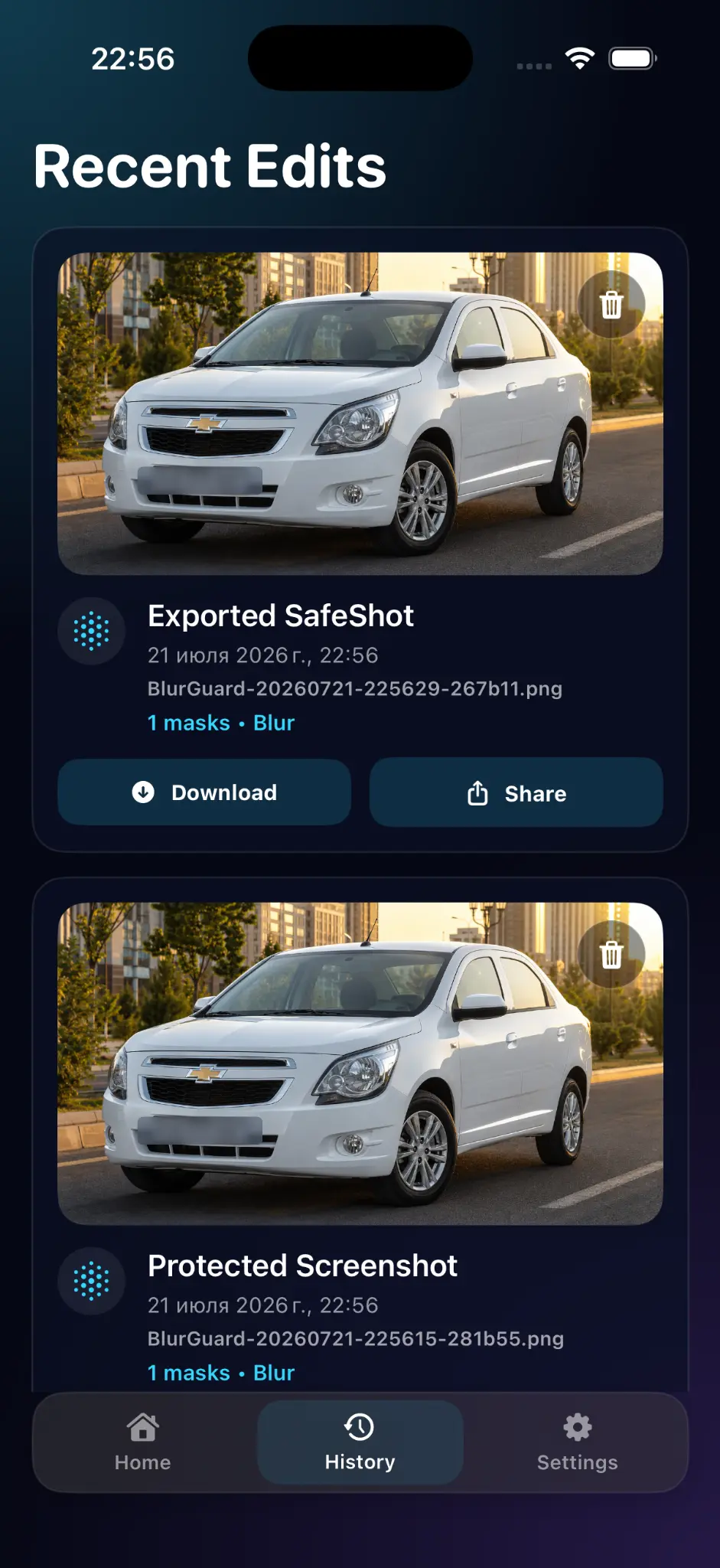
Choose a photo, review suggested masks, export a protected copy, and manage recent edits.
Flexible protection
Automatic suggestions save time. Manual controls handle everything else.
Change the strength and fine-tune the protected area.
Use a stronger visual cover for text, codes, and documents.
Use friendly covers for faces in casual photos.
About the app
Blur Personal Info is an iPhone and iPad app for hiding sensitive details in photos and screenshots. Cover names, phone numbers, addresses, order numbers, faces, and other private information, then export a protected copy to share.
✓iPhone & iPad
✓English, Russian & Spanish
✓On-device processing
Start with one useful result
Price and access
The checked App Store listing shows the app as free. Check the current listing for your region and installed version.
Prices and availability can vary by region and version. The price shown by the store or in-app purchase screen is the price that applies to your purchase.
Check the official store ↗Designed for iPhone and iPad. The checked listing requires iOS/iPadOS 18.6 or later. English, Russian and Spanish are listed.
Automatic detection can miss details. Review names, codes, notifications and background reflections yourself. Weak blur or pixelation can leave clues; use an opaque cover for highly sensitive text and check the exported copy.
Choose the right approach
Written by the developer of this app. Choose according to your task; a built-in tool may be enough.
Useful for a manual opaque cover. Check that fill is fully opaque and covers the complete area.
Adds dedicated masking and blur controls with on-device image processing.
Review upload and retention terms before sending sensitive images to a service.
Use fictional details such as alex@example.com and an invented order number for a practice export. Check the protected copy rather than assuming every suggested mask is complete.
Questions & answers
Blur is applied to the exported copy. Always keep your original private and share only the protected export.
Strong enough that text is unreadable when zoomed in. Check the result at full size before sharing.
Export creates a new copy, so you decide what to keep.
Ready to get started?
Blur the details that should stay private, check the result, and share the protected copy.