Paper receipts fade and get lost. A short routine with your iPhone keeps them organized and ready for budgeting or reports.
Set up a routine
Scan receipts the day you get them, or once a week at a fixed time. Small, regular steps beat a big cleanup.
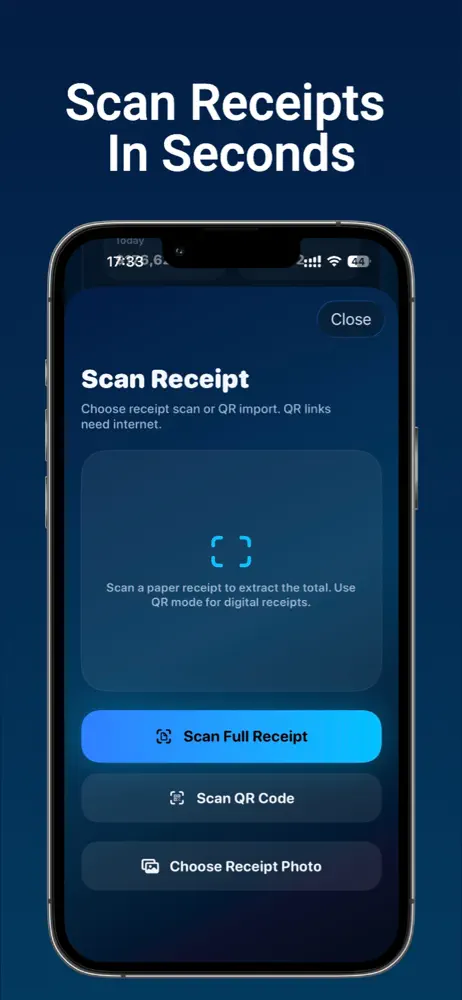
How to scan a receipt
- Place the receipt on a flat, dark surface in good light.
- Capture the whole receipt, including the total and date.
- Check that text is sharp and nothing is cut off.
- Add details such as store, date, amount, and category.
Organize your records
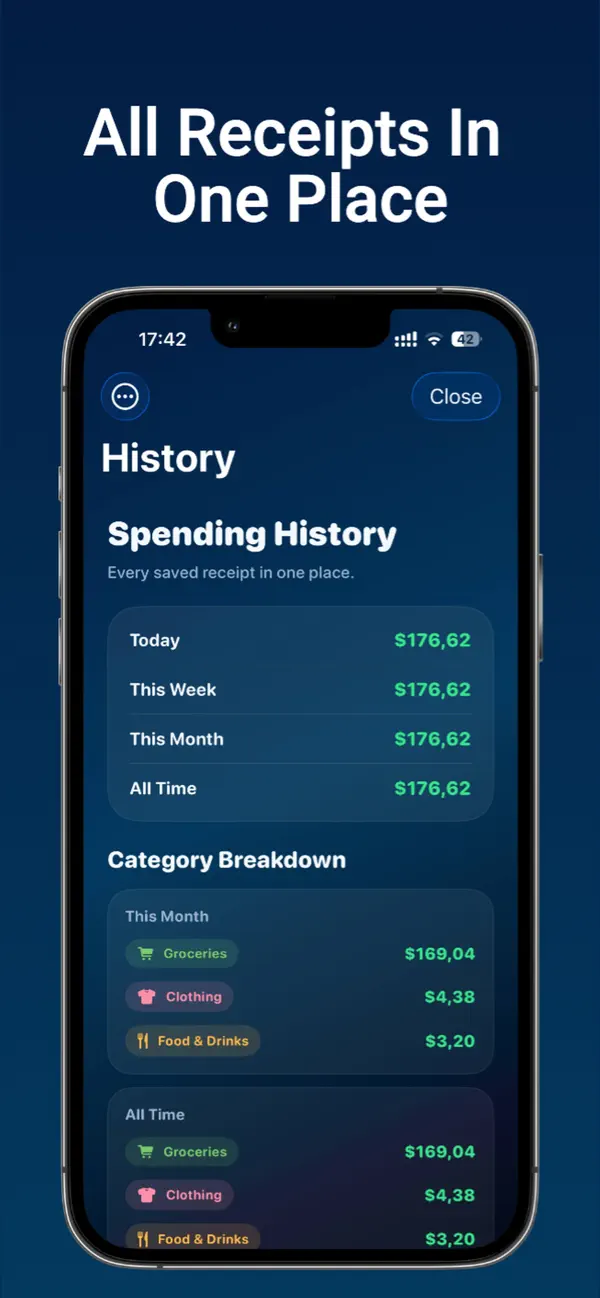
- Use consistent categories (food, transport, home, work)
- Add notes for business or reimbursable expenses
- Review the list at the end of each month
Why digital records help
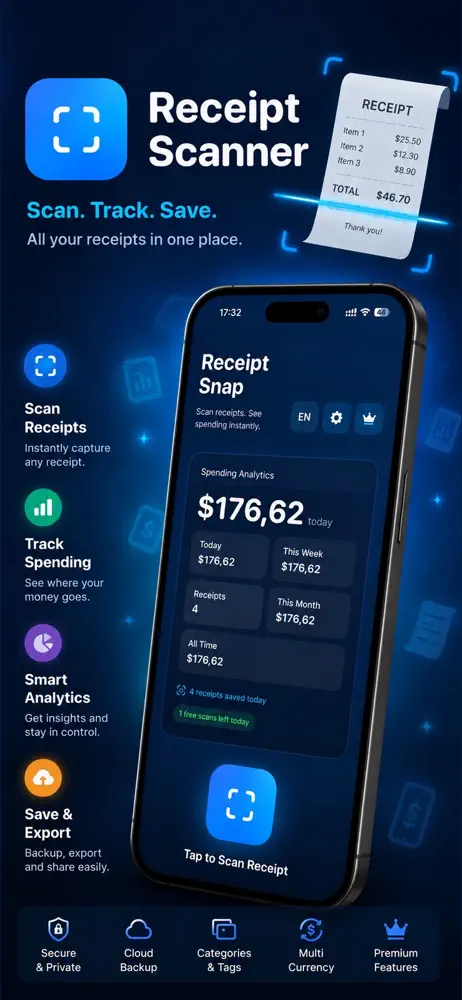
Digital records are easier to search, share, and export than a box of paper receipts, and they make tax season and expense reports faster.
Frequently asked questions
Do I need to keep the paper receipt?
Rules vary. For warranty or tax purposes, check what applies to you.
What if the receipt is faded?
Scan it immediately; thermal paper fades over time.
Can I export my records?
See our guide on exporting receipt records to CSV or PDF.