Free download
Save and preview webpages, then share your PDF. Try a representative page before choosing Pro.
Productivity · iPhone, iPad, and Mac
Web to PDF – Save Pages — Save useful web pages as portable PDF documents
View on the App Store ↗About the app
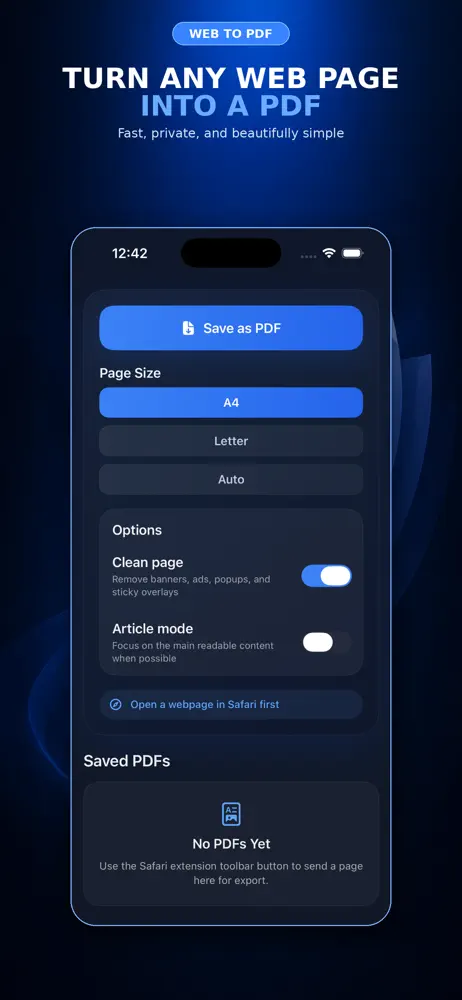
Web to PDF for iPhone, iPad, and Mac turns web pages into PDF documents you can store, share, or print. Save articles, bookings, receipts, and reference pages so they stay readable in the form you saved them.
✓8.6 MB
✓Available for iPhone, iPad, and Mac
✓Data Not Collected
Start with one useful result
Inside the app
Price and access
Save and preview webpages, then share your PDF. Try a representative page before choosing Pro.
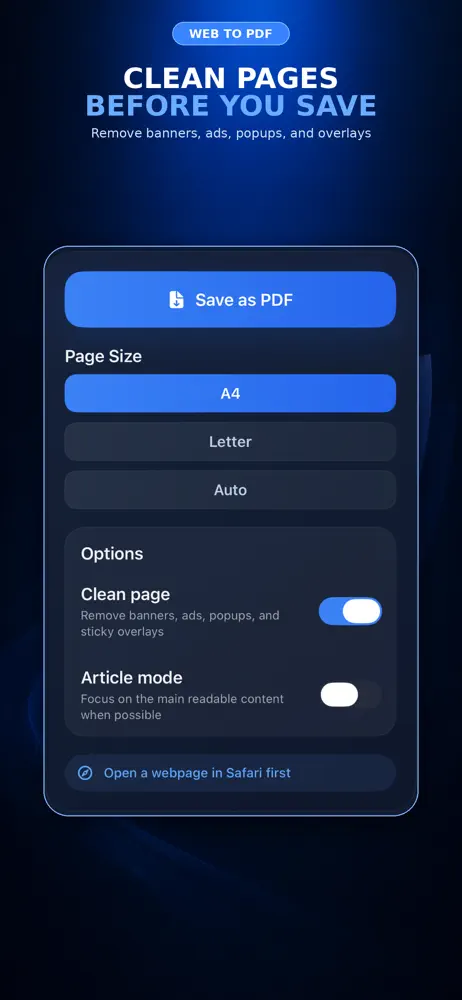
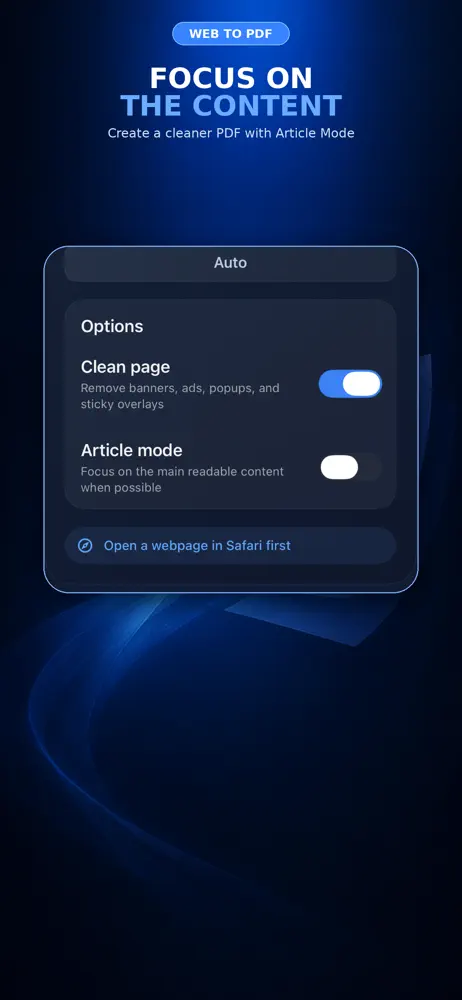
Unlock Article Mode, page layout controls, PDF merging, page editing, highlights and notes. Restore Purchases is available for the same Apple Account.
Prices and availability can vary by region and version. The price shown by the store or in-app purchase screen is the price that applies to your purchase.
Check the official store ↗Available for iPhone, iPad, and Mac. Use Web to PDF on your Mac to save webpages as PDF documents. Check the current App Store listing for the macOS, iOS, or iPadOS version required by your device.
Results depend on the website. Sign-in pages, paywalls, embedded frames, lazy-loaded images and interactive content can affect capture. Highlights need selectable text. A saved PDF is a fixed copy, not a live webpage.
Choose the right approach
Written by the developer of this app. Choose according to your task; a built-in tool may be enough.
A useful starting point for occasional saving. Check the preview and save to Files.
Choose it when you want a saved PDF workflow and the additional editing tools included with Pro.
Consider them for public URLs. Check their upload and privacy terms before sending a private page.
Save a public article first. Compare headings, images and the final paragraph with the original; then try an order confirmation without exposing it publicly.
Questions & answers
Yes. Web to PDF is available for Mac as well as iPhone and iPad. Open the App Store listing to check the requirements for your device.
A PDF keeps a fixed copy of the page, which is useful for records and offline reading.
Yes, saving them as PDF is a common use.
No. A PDF is a snapshot from the time you saved it.
Ready to get started?
Save the pages you may need later as clean PDFs.