Screenshots often contain more than you notice: contact names, notifications, addresses, order numbers, and faces. This guide shows what to look for and how to protect it before you share.
What to protect
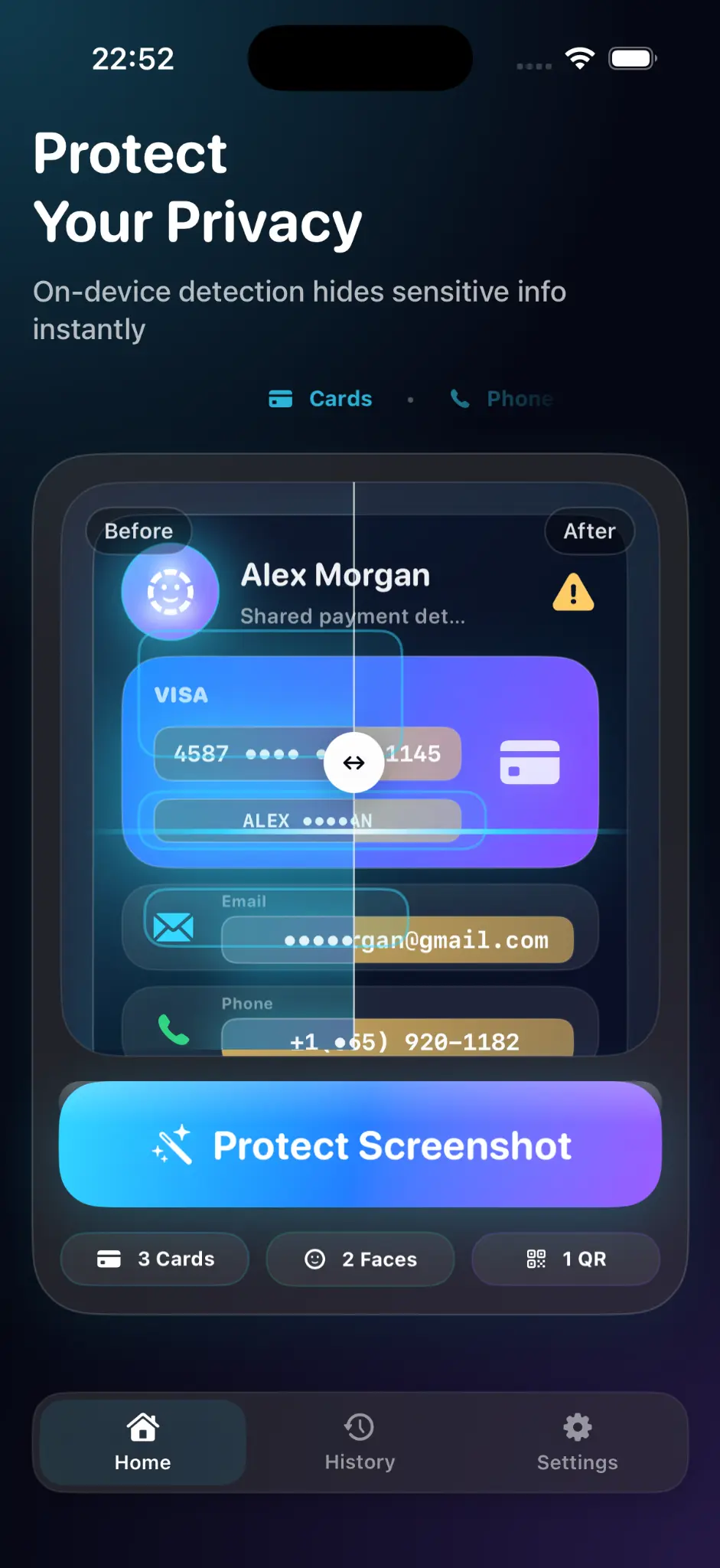
Look beyond the main subject. Private details often hide in status bars, notifications, document previews, reflections, and backgrounds.
- Names, phone numbers, email addresses, and home addresses
- Account, order, and identification numbers
- Faces, signatures, barcodes, and QR codes
- Notification banners and message previews
Step by step: blur a screenshot on iPhone
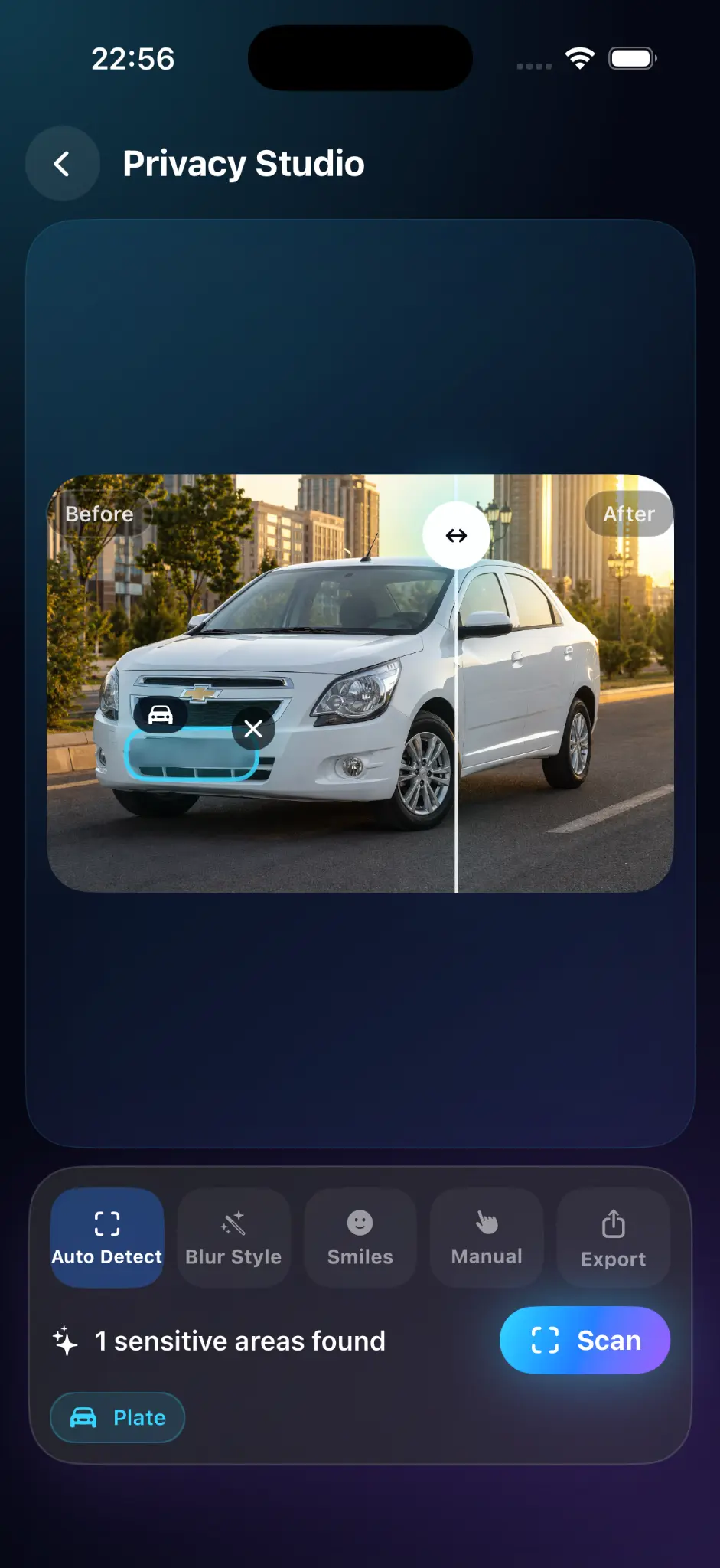
- Open the screenshot in an editing app that supports blur, such as Blur Personal Info.
- Zoom in and mark each sensitive area.
- Make each marked area slightly larger than the text or object beneath it.
- For sensitive text, use a fully opaque cover; use blur for visual obscuring and inspect it at full size.
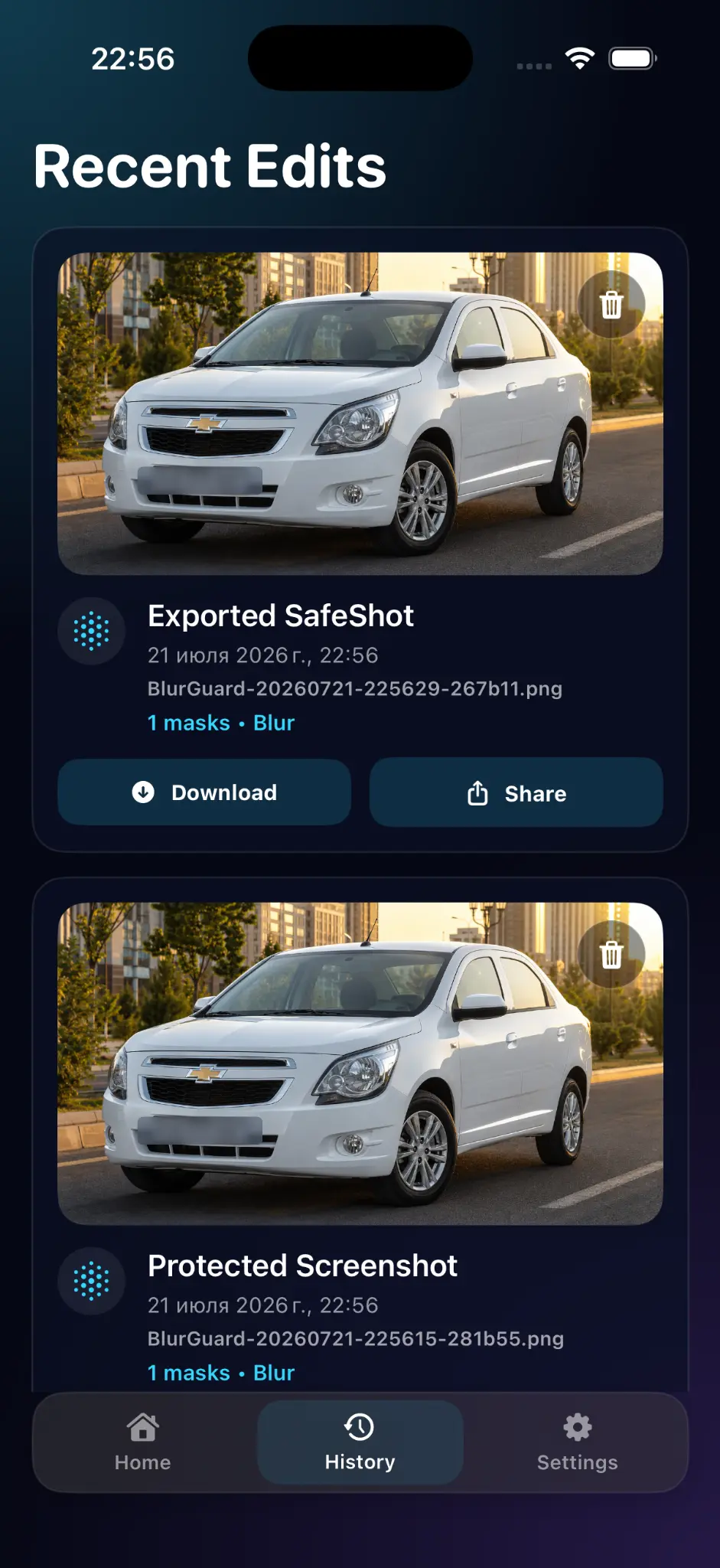
- Export a protected copy.
Why a plain drawing is not always enough
Thin or semi-transparent marks can leave text partly visible. Use blur strong enough to be unreadable, or cover the area with a solid fill.
Check before sharing
Open the exported image at full size and zoom in. Check corners, status bars, and browser tabs. Keep the original private and share only the protected export.
Frequently asked questions
Can blurred text be recovered?
Weak blur can sometimes be reversed or guessed. Use a fully opaque cover for sensitive text and inspect the exported copy.
Should I blur or cover with a solid color?
For highly sensitive data such as account numbers, a solid cover is safest.
Do I need to hide the status bar?
If it shows your carrier, time, or notifications you want private, yes.
Related app
Blur Personal Info
Blur names, faces, and numbers in photos and screenshots before you share them.
Explore the app