Order pages and confirmation emails can disappear. Saving them as PDF gives you a copy you can find when you need a refund, a warranty claim, or an expense report.
What to save
- Order confirmations and invoices
- Booking and ticket confirmations
- Subscription and payment receipts
- Warranty and return information
How to save
- Open the receipt or confirmation page.
- Save the page as PDF (see our guide on saving web pages as PDF on iPhone).
- Name the file with date, store, and amount.
- Move it to a dedicated receipts folder.
A simple naming system
Use YYYY-MM-DD_store_amount.pdf , for example 2026-05-14_electronics_89.pdf . Sorting by name then sorts by date.
Keep folders tidy
Create one folder per year and subfolders for categories such as Travel, Home, and Work.
Frequently asked questions
How long should I keep receipts?
It depends on your country and purpose. Tax records often need to be kept for several years, so check local rules.
Is a PDF accepted as proof of purchase?
Many stores and employers accept it, but policies vary.
Should I also keep the email?
Keeping both is the safest option.
Related app
Web to PDF – Save Pages
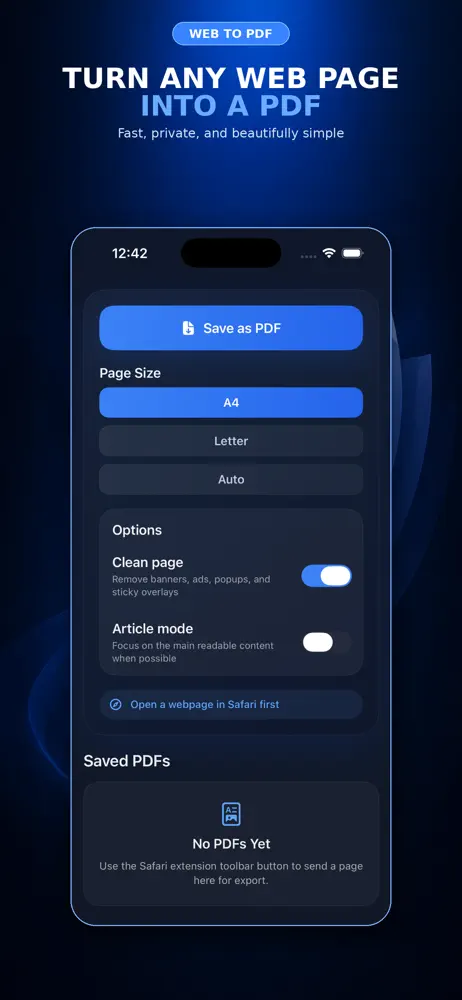
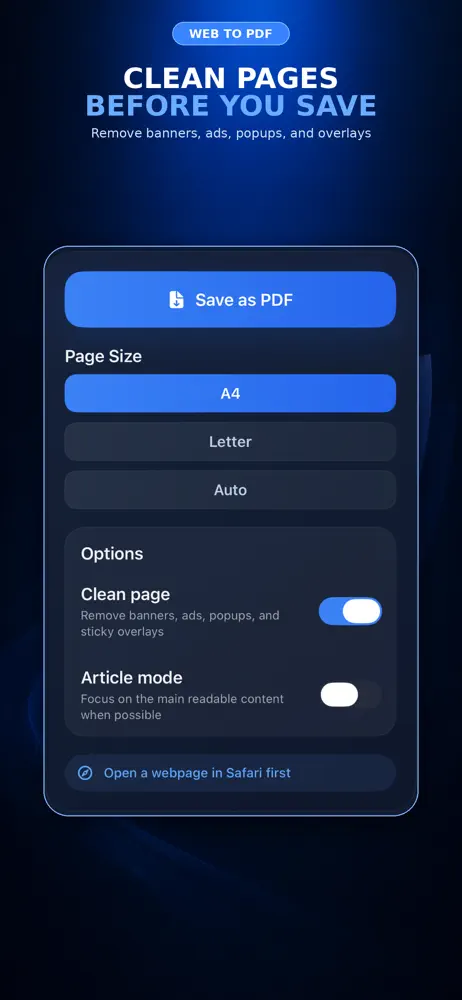
Save receipts and confirmations as PDFs in a few taps.
Explore the app