Stretching a screenshot makes text and buttons look wrong. The key is to keep the original proportions and choose how to fill the remaining space.
Why screenshots get distorted
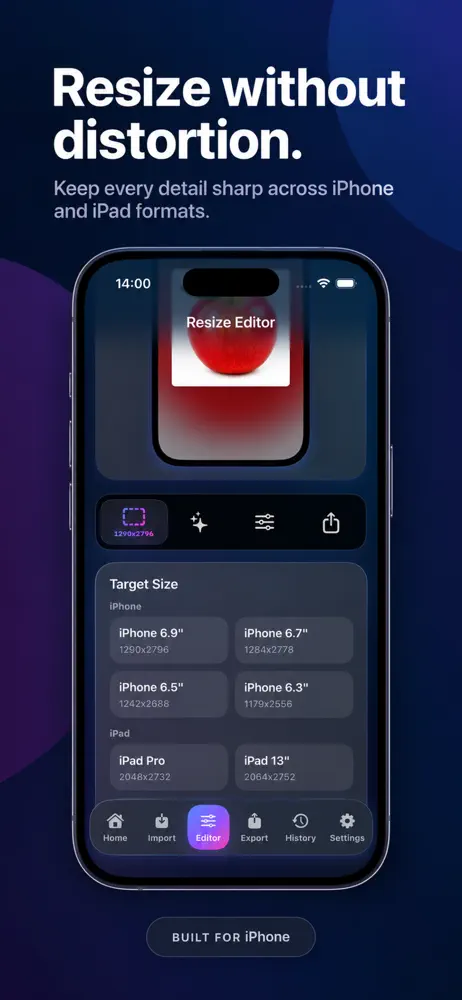
Distortion happens when width and height change by different amounts. Always keep the aspect ratio locked.
Three safe ways to change a screenshot's size
- Scale proportionally. Resize the whole image by the same percentage on both sides.
- Crop. Remove edges you don't need to match a target shape.
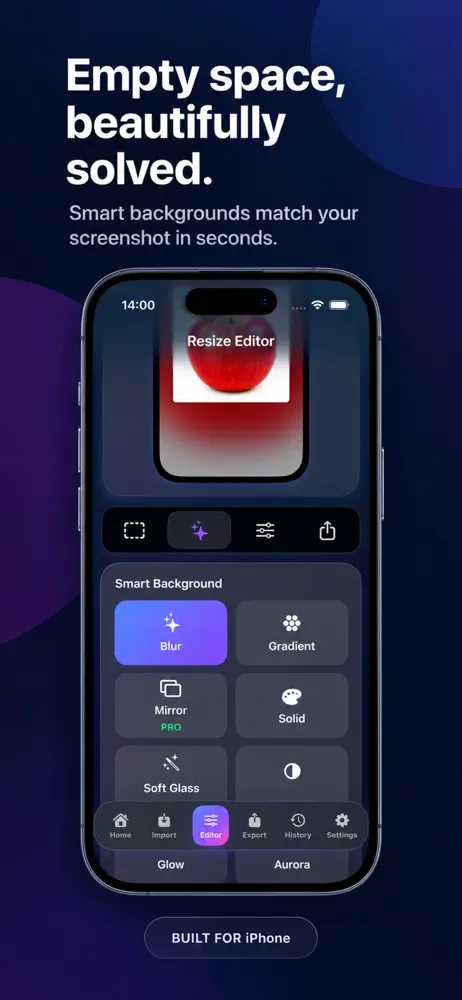
- Add a background. Place the screenshot on a larger canvas so the target size is reached without stretching.
Step by step
- Note the target width and height.
- Compare the target aspect ratio with the screenshot's ratio.
- If they match, scale proportionally.
- If they differ, crop or place the screenshot on a background of the target size.
- Export and check text sharpness at full size.
Keep text sharp
Avoid enlarging a small screenshot a lot. Capture on the largest device you have, and avoid exporting several times in a row.
Frequently asked questions
Can I enlarge a screenshot without losing quality?
Large enlargements make images soft. Start with the highest-resolution capture.
Should I crop or add a background?
Crop when the edges are unimportant, add a background when you need to keep everything visible.
Does the original change?
Export a copy so the original remains untouched.

Related app
Mockora: Screenshot Frames
Add frames and backgrounds to screenshots and export polished images.
Explore the app