Newer macOS versions offer clipboard history in Spotlight. A dedicated clipboard manager provides a separate way to keep copied text within reach.
Apple’s guide to Spotlight and clipboard history
How the Mac clipboard works
Standard copy and paste uses the current clipboard item. Newer macOS versions also offer clipboard history in Spotlight, including previously copied text and files. Open Spotlight to explore the clipboard history controls available on your Mac.
Why clipboard history helps
- Copy several snippets, then paste them one by one
- Recover text you copied earlier
- Avoid switching windows over and over
How to use a clipboard manager
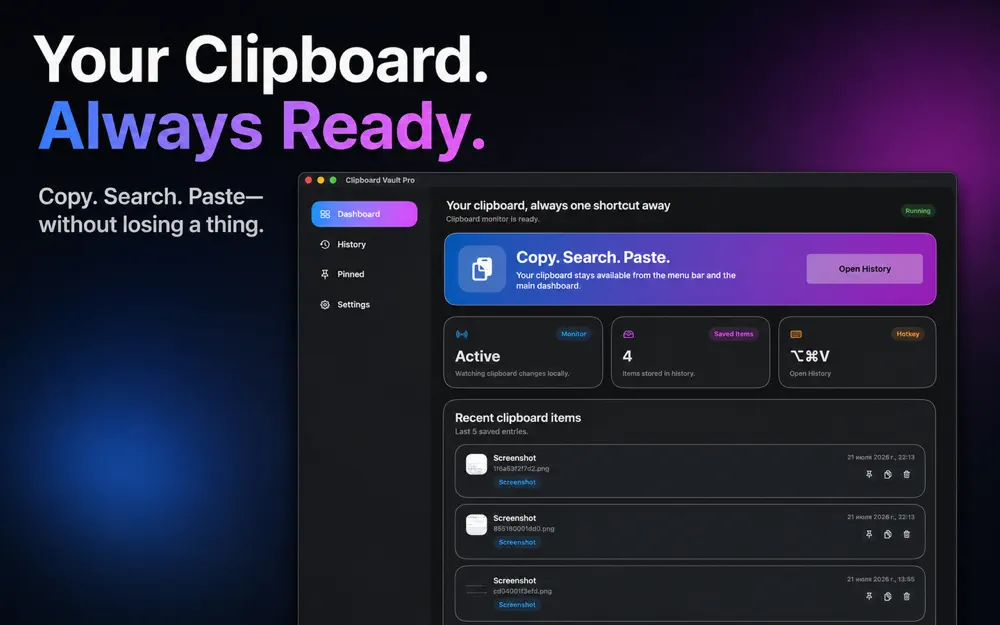
- Install a clipboard manager such as Clipboard Vault Pro.
- Copy text as usual.
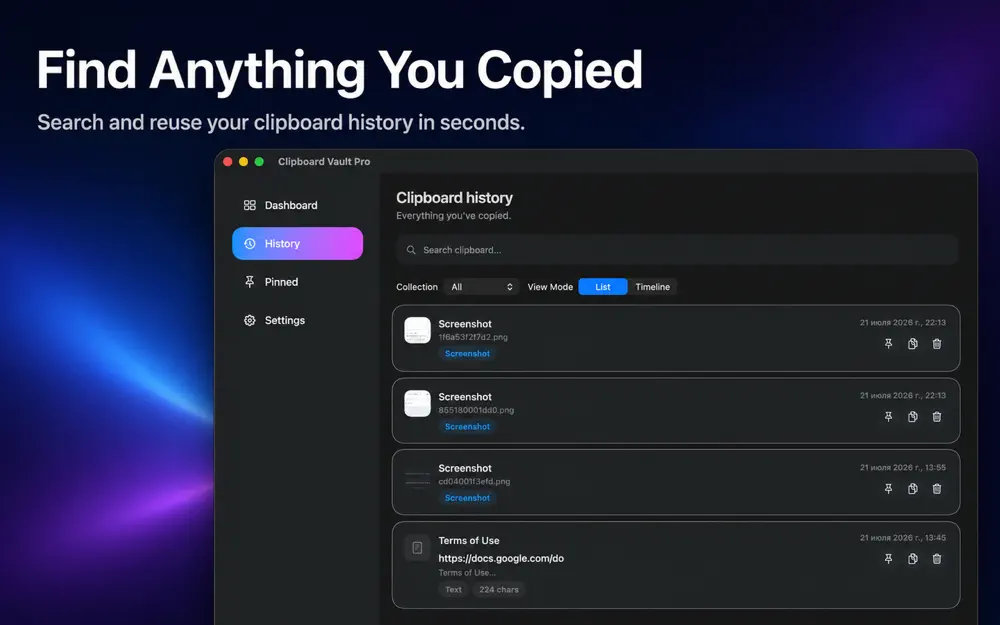
- Open the history list when you need an earlier item.
- Select it and paste.
Privacy tips
Clipboard history can include passwords or private text. Clear it regularly and avoid keeping sensitive items.

Frequently asked questions
Does my Mac keep clipboard history by default?
Newer macOS versions offer clipboard history in Spotlight. On older versions, a dedicated clipboard manager can keep earlier copies.
Is clipboard history safe?
It can store sensitive text, so use a trusted app and clear it when needed.
Can I paste plain text only?
Many clipboard managers offer this. Check your app's settings.